CSS进阶
CSS Flex 布局:实例
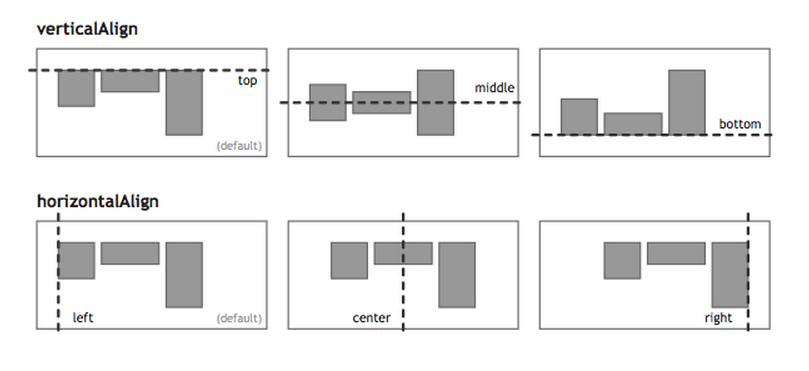 ### 一、骰子的布局 >骰子的一面,最多可以放置9个点。下面,就来看看Flex如何实现,从1个点到9个点的布局。 - 本节的HTML模板如下: ```html <div class="box"> <span class="item"></span> </div> ``` ##### 1.1 单项目 - 首先,只有左上角1个点的情况。Flex布局默认就是首行左对齐,所以一行代码就够了。 ```css .box { display: flex; } ```  - 设置项目的对齐方式,就能实现居中对齐和右对齐。 ```css .box { display: flex; justify-content: center; } ```  ```css .box { display: flex; justify-content: flex-end; } ``` 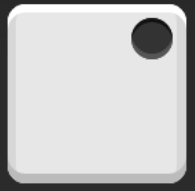 - 设置交叉轴对齐方式,可以垂直移动主轴。 ```css .box { display: flex; align-items: center; } ``` 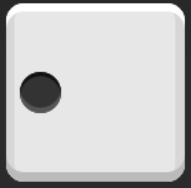 ```css .box { display: flex; justify-content: center; align-items: center; } ``` 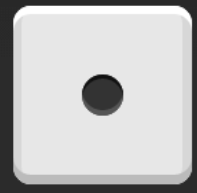 ```css .box { display: flex; justify-content: center; align-items: flex-end; } ```  ```css .box { display: flex; justify-content: flex-end; align-items: flex-end; } ``` 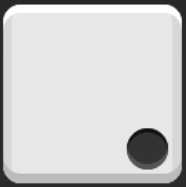 ##### 1.2 双项目 ```css .box { display: flex; justify-content: space-between; } ```  ```css .box { display: flex; flex-direction: column; justify-content: space-between; } ``` 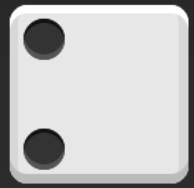 ```css .box { display: flex; flex-direction: column; justify-content: space-between; align-items: center; } ``` 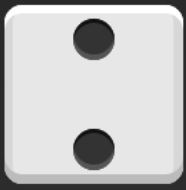 ```css .box { display: flex; flex-direction: column; justify-content: space-between; align-items: flex-end; } ``` 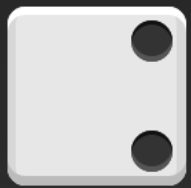 ```css .box { display: flex; } .item:nth-child(2) { align-self: center; } ``` 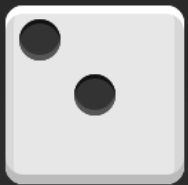 ```css .box { display: flex; justify-content: space-between; } .item:nth-child(2) { align-self: flex-end; } ``` 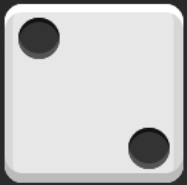 ##### 三项目 ```css .box { display: flex; } .item:nth-child(2) { align-self: center; } .item:nth-child(3) { align-self: flex-end; } ``` 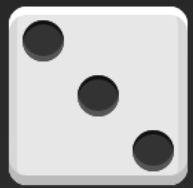 ##### 四项目 ```css .box { display: flex; flex-wrap: wrap; justify-content: flex-end; align-content: space-between; } ```  ## 二、网格布局 ##### 2.1 基本网格布局 >最简单的网格布局,就是平均分布。在容器里面平均分配空间,跟上面的骰子布局很像,但是需要设置项目的自动缩放。  - HTML代码如下 ```html <div class="Grid"> <div class="Grid-cell">...</div> <div class="Grid-cell">...</div> <div class="Grid-cell">...</div> </div> ``` - CSS代码如下 ```css .Grid { display: flex; } .Grid-cell { flex: 1; } ``` ##### 2.2 百分比布局 >某个网格的宽度为固定的百分比,其余网格平均分配剩余的空间。 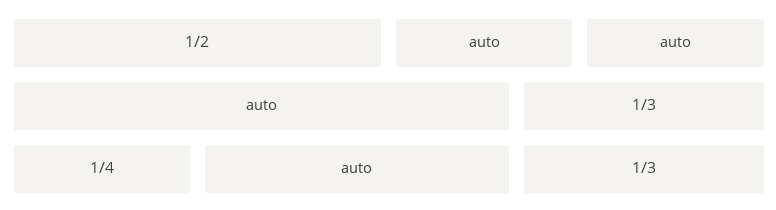 - HTML代码如下 ```html <div class="Grid"> <div class="Grid-cell u-1of4">...</div> <div class="Grid-cell">...</div> <div class="Grid-cell u-1of3">...</div> </div> ``` - CSS代码如下 ```css .Grid { display: flex; } .Grid-cell { flex: 1; } .Grid-cell.u-full { flex: 0 0 100%; } .Grid-cell.u-1of2 { flex: 0 0 50%; } .Grid-cell.u-1of3 { flex: 0 0 33.3333%; } .Grid-cell.u-1of4 { flex: 0 0 25%; } ``` ## 三、圣杯布局 >圣杯布局(Holy Grail Layout)指的是一种最常见的网站布局。页面从上到下,分成三个部分:头部(header),躯干(body),尾部(footer)。其中躯干又水平分成三栏,从左到右为:导航、主栏、副栏。 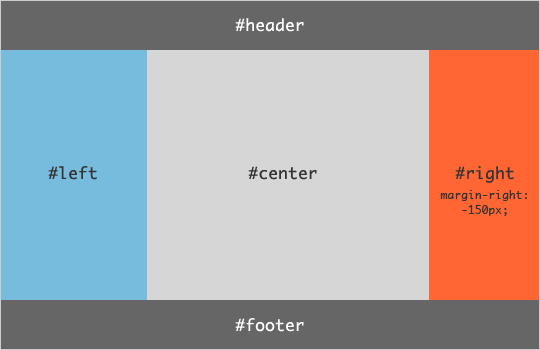 - HTML代码如下 ```html <body class="HolyGrail"> <header>...</header> <div class="HolyGrail-body"> <main class="HolyGrail-content">...</main> <nav class="HolyGrail-nav">...</nav> <aside class="HolyGrail-ads">...</aside> </div> <footer>...</footer> </body> ``` - CSS代码如下 ```css .HolyGrail { display: flex; min-height: 100vh; flex-direction: column; } header,footer { flex: 1; } .HolyGrail-body { display: flex; flex: 1; } .HolyGrail-content { flex: 1; } .HolyGrail-nav, .HolyGrail-ads { /* 两个边栏的宽度设为12em */ flex: 0 0 12em; } .HolyGrail-nav { /* 导航放到最左边 */ order: -1; } ``` - 如果是小屏幕,躯干的三栏自动变为垂直叠加 ```css @media (max-width: 768px) { .HolyGrail-body { flex-direction: column; flex: 1; } .HolyGrail-nav, .HolyGrail-ads, .HolyGrail-content { flex: auto; } } ``` ## 四、输入框的布局 >我们常常需要在输入框的前方添加提示,后方添加按钮。 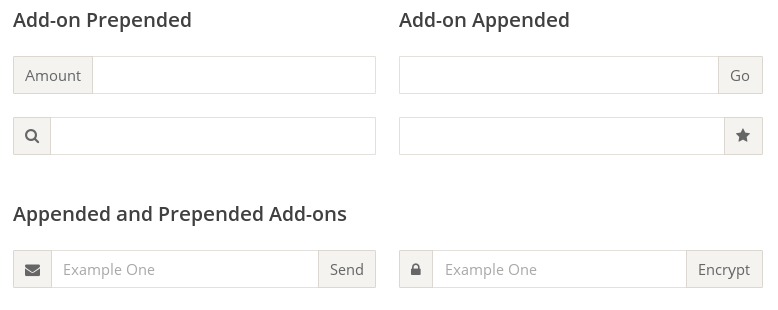 - HTML代码如下 ```css <div class="InputAddOn"> <span class="InputAddOn-item">...</span> <input class="InputAddOn-field"> <button class="InputAddOn-item">...</button> </div> ``` - CSS代码如下 ```css .InputAddOn { display: flex; } .InputAddOn-field { flex: 1; } ``` ## 五、悬挂式布局 >有时,主栏的左侧或右侧,需要添加一个图片栏。 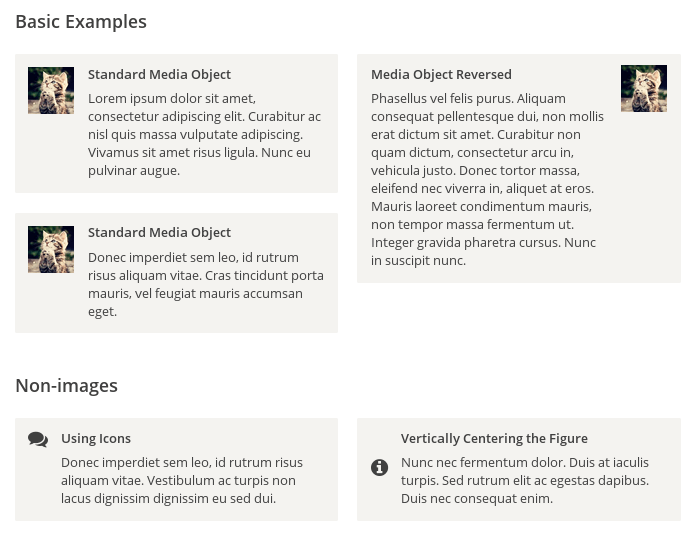 - HTML代码如下 ```html <div class="Media"> <img class="Media-figure" src="" alt=""> <p class="Media-body">...</p> </div> ``` - CSS代码如下 ```css .Media { display: flex; align-items: flex-start; } .Media-figure { margin-right: 1em; } .Media-body { flex: 1; } ``` ## 六、固定的底栏 >有时,页面内容太少,无法占满一屏的高度,底栏就会抬高到页面的中间。这时可以采用Flex布局,让底栏总是出现在页面的底部。 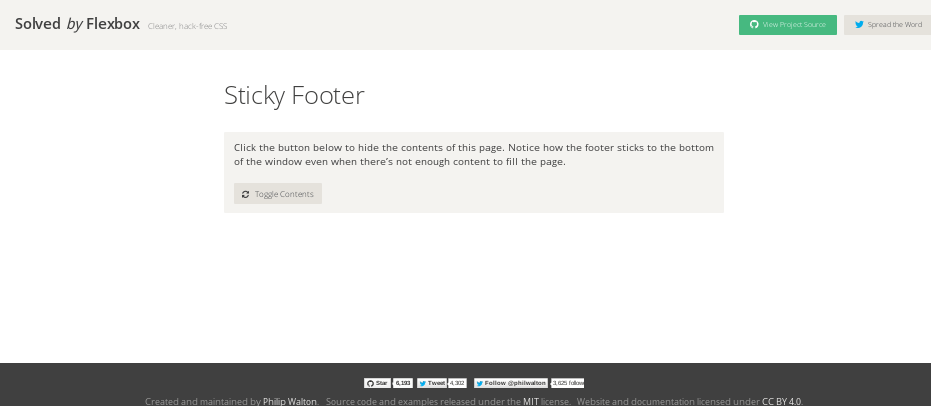 - HTML代码如下 ```html <body class="Site"> <header>...</header> <main class="Site-content">...</main> <footer>...</footer> </body> ``` - CSS代码如下 ```css .Site { display: flex; min-height: 100vh; flex-direction: column; } .Site-content { flex: 1; } ``` ## 七,流式布局 >每行的项目数固定,会自动分行。 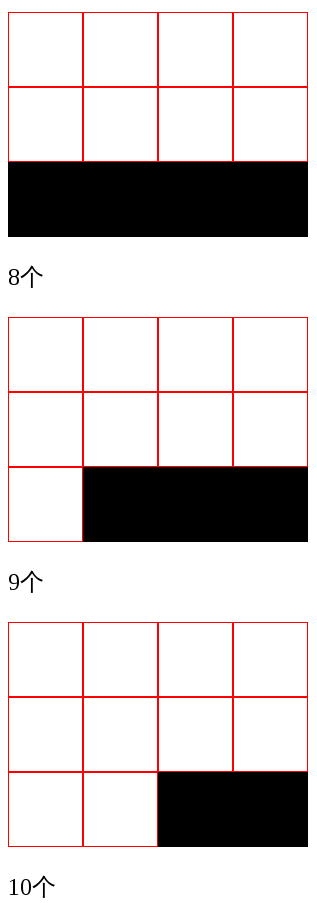 - CSS的写法 ```css .parent { width: 200px; height: 150px; background-color: black; display: flex; flex-flow: row wrap; align-content: flex-start; } .child { box-sizing: border-box; background-color: white; flex: 0 0 25%; height: 50px; border: 1px solid red; } ``` [原文链接](https://www.ruanyifeng.com/blog/2015/07/flex-examples.html "原文链接")
顶部
收展
底部
[TOC]
目录
CSS 盒子模型
CSS Flex 布局:语法
CSS Flex 布局:实例
CSS Grid 网格布局
CSS 变量
CSS 媒体查询@media
CSS @规则
相关推荐
CSS属性
CSS教程